USING YOUR BANK
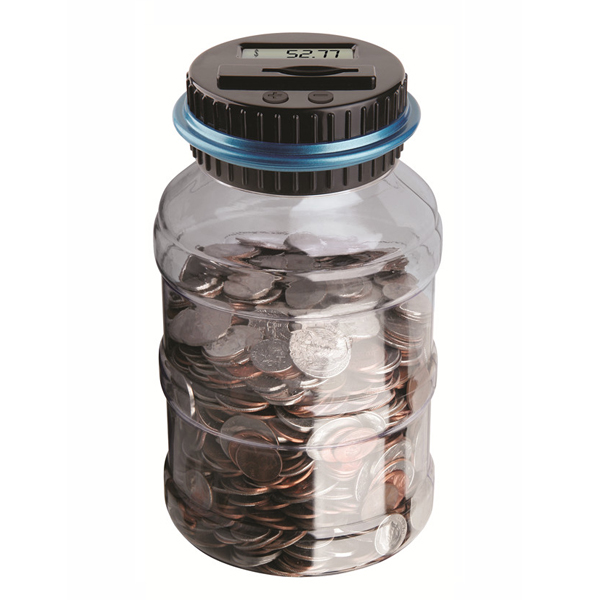
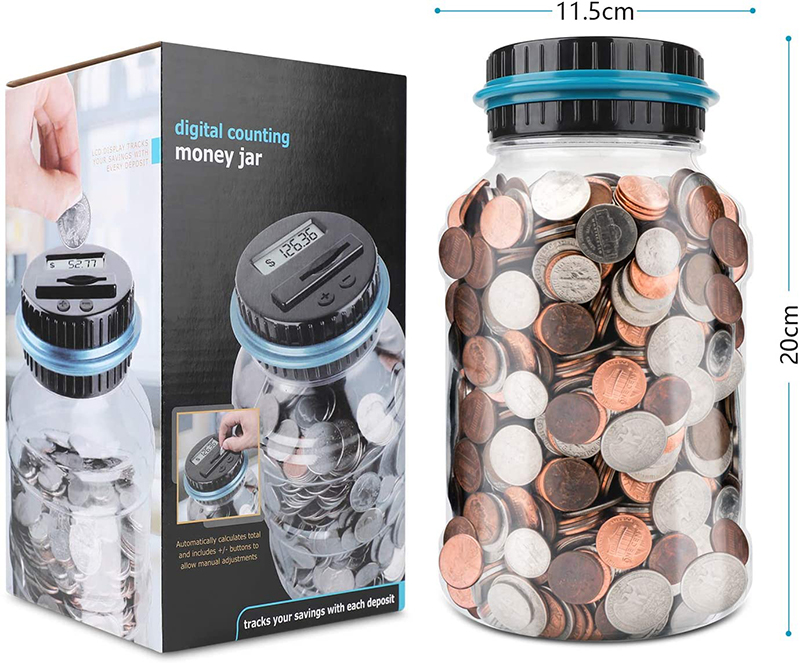
Adding coins: Push coins through the slot one at a time. The LCD Display will blink showing the value of each coin. When it stops blinking, it will display the total.
Alternate way to add coins: Remove the lid. Add coins to the Bank. Attach the lid. Press the Add Coin Button until it displays the total amount of coins you added. To speed the display up, hold the button down.
Subtracting coins: Remove the lid. Subtract coins from the Bank. Attach the lid. Press the Subtract Coin Button until it displays the total amount of coins you subtracted. To speed the display up, hold the button down.
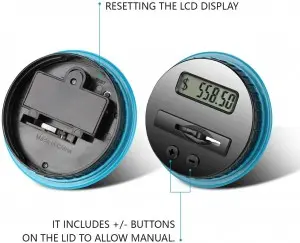
Resetting the LCD Display: Insert the end of a paperclip or similar object into the reset hole on the underside of the lid.
CARING FOR YOUR BANK
Clean with a slightly damp cloth. Never soak or submerge in water.
Store in a cool, dry location away from sunlight.
BATTERY INSTALLATION
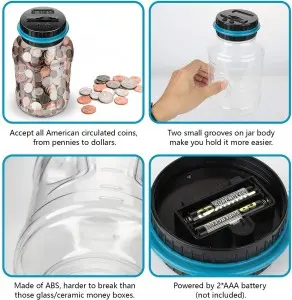
When changing batteries, adult supervision is recommended. We recommend using alkaline batteries for best performance. Locate the battery door on the underside of the lid. Using a Phillips screwdriver, remove the screw. Insert 2 “AAA” batteries in the polarity direction shown on the diagram to the right. Replace the battery door.
Note: When the LCD Display starts to fade, it's time to change the batteries. The display memory stays on for only 15 seconds after the batteries are removed. Have 2 new “AAA” batteries ready before removing the old batteries.
BATTERY WARNING:
Do not mix old and new batteries.
Do not mix alkaline, standard (carbon-zinc), or rechargeable (nickel-cadmium) batteries.
Insert batteries using the correct polarity.
Do not short-circuit the supply terminal.
Remove batteries when not in use.
 Charmlite Cup